How to Change Skins Icon and Price, or Add More Skins
Skins are defined in AppSettings.skins, in lib/constants/settings.dart:
static const int skinPrice = 500;

static List<Skin> skins = [
  Skin(
    id: 'cross',
    name: 'Dora Cross',
    skinX: 'default_cross',
    skinO: 'default_circle',
    selectedStatus: 'active',
    price: 0,
  ),
  Skin(
    id: 'enhance',
    name: 'Dora Enhance',
    skinX: 'enhance_plus',
    skinO: 'default_circle',
    price: skinPrice,
  ),
  // ...
];
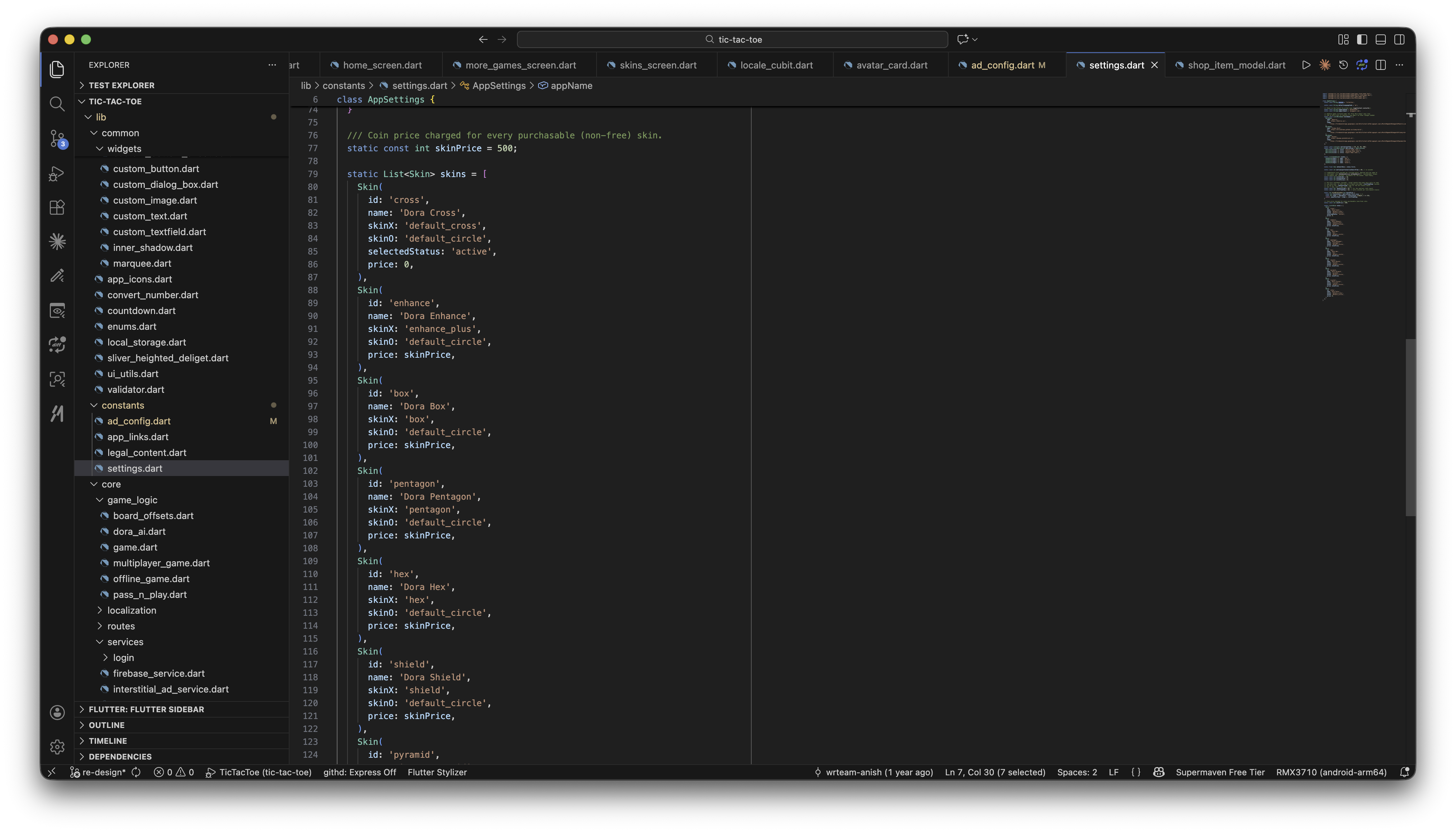
id— unique key, also used to track which skins a player owns/has equipped.name— display name shown on the Skins screen.skinX/skinO— asset names for the X and O pieces. These map to SVGs inassets/svg/skins/(e.g.skinX: 'enhance_plus'→assets/svg/skins/enhance_plus.svg).price— coin cost to unlock.0means free/already owned; paid skins normally use the sharedskinPriceconstant, but you can override it per skin.selectedStatus: 'active'marks the skin equipped by default for new players.
To add a new skin: drop your X/O artwork into assets/svg/skins/, then add a new Skin(...) entry to the list above with matching skinX/skinO asset names.
To remove a skin: delete its Skin(...) entry from the list.