How to Enable the Firebase Database
This app uses the Realtime Database to sync live game data (moves, turns, room state) between players with minimal latency.
-
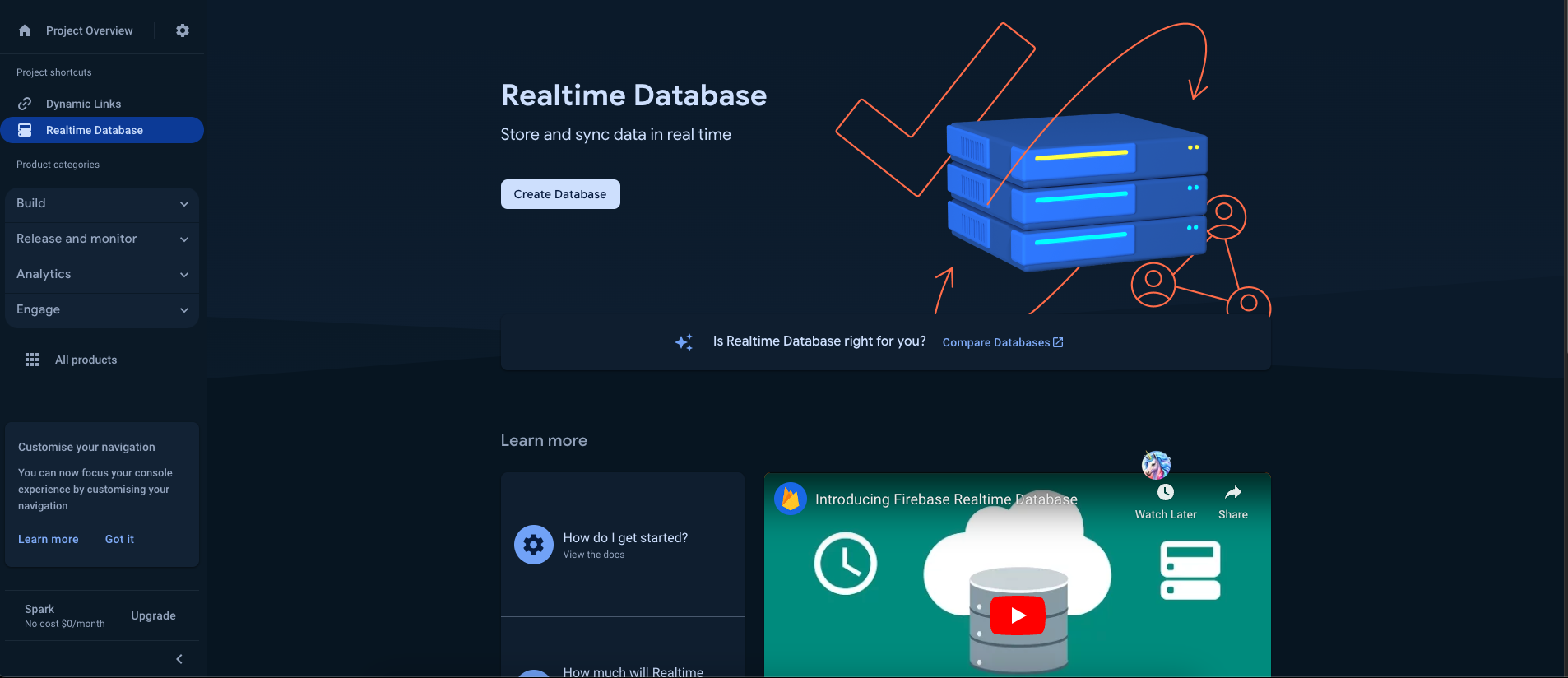
Open your Firebase project → Build → Realtime Database → Create Database.
-
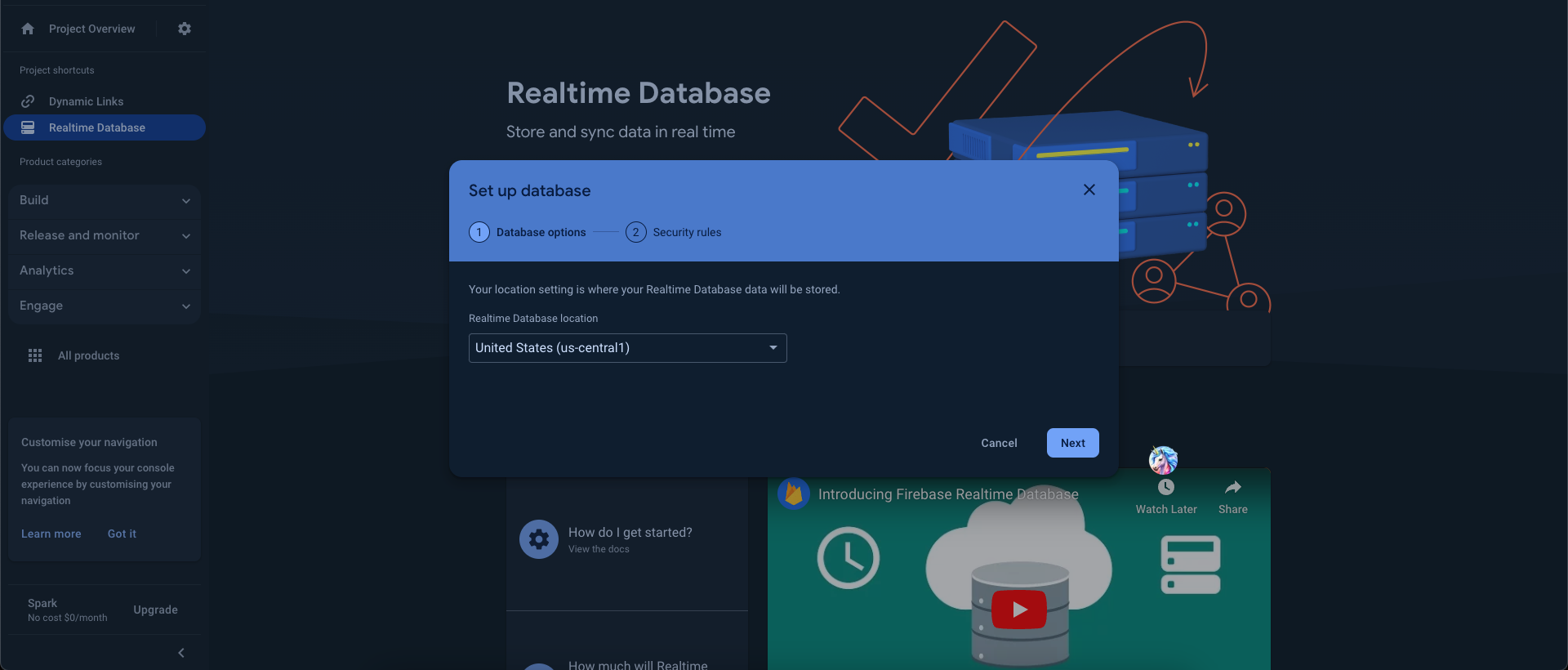
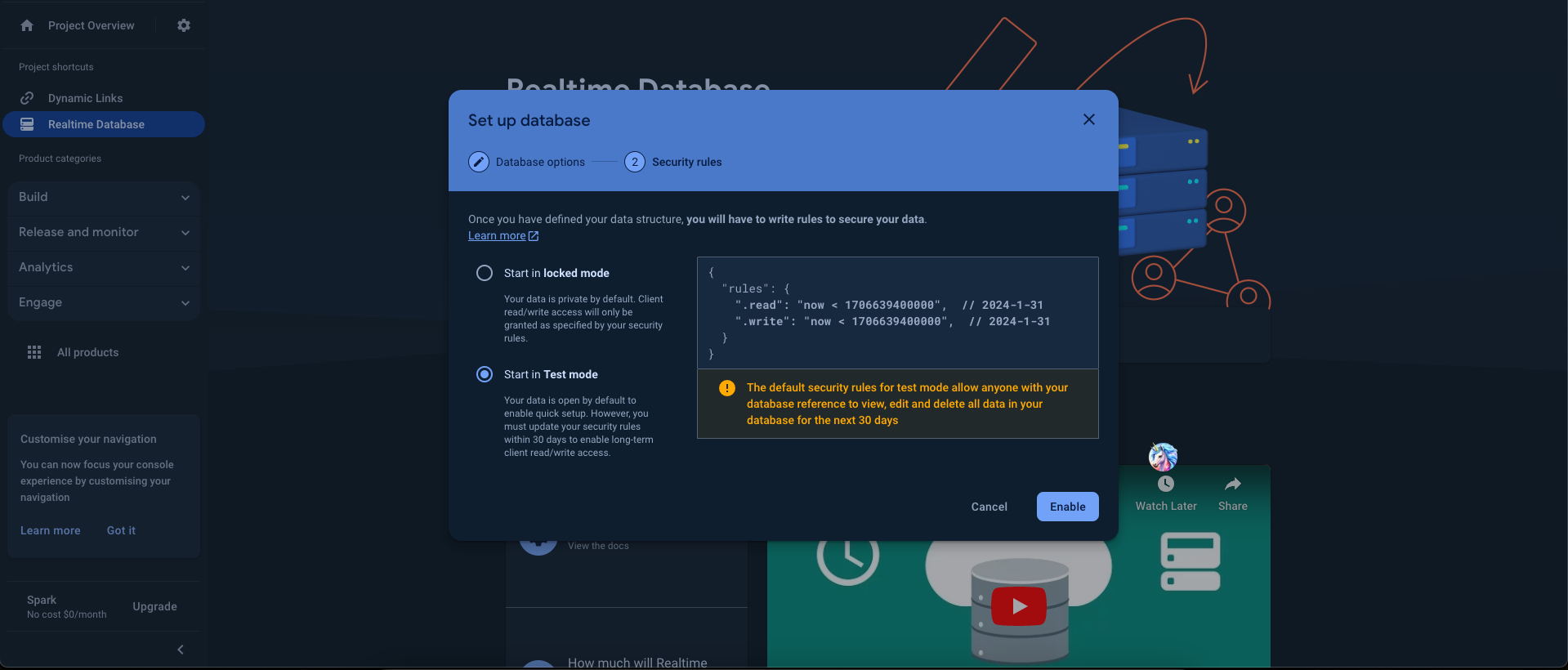
Choose a database location, then choose a starting mode for your security rules (test mode for development, locked mode for production — you can edit the rules any time afterwards). A database is created automatically and this is where your game data will be stored.
Note: Firebase now recommends Cloud Firestore as the default database for new projects in general. This app specifically relies on Realtime Database for its low-latency multiplayer sync, so keep using Realtime Database unless you're intentionally migrating the game-sync logic to Firestore.
- Before going to production, review your rules under the Rules tab and lock them down beyond the defaults (avoid leaving
read/writeopen to everyone).