How to Enable Firebase Storage
-
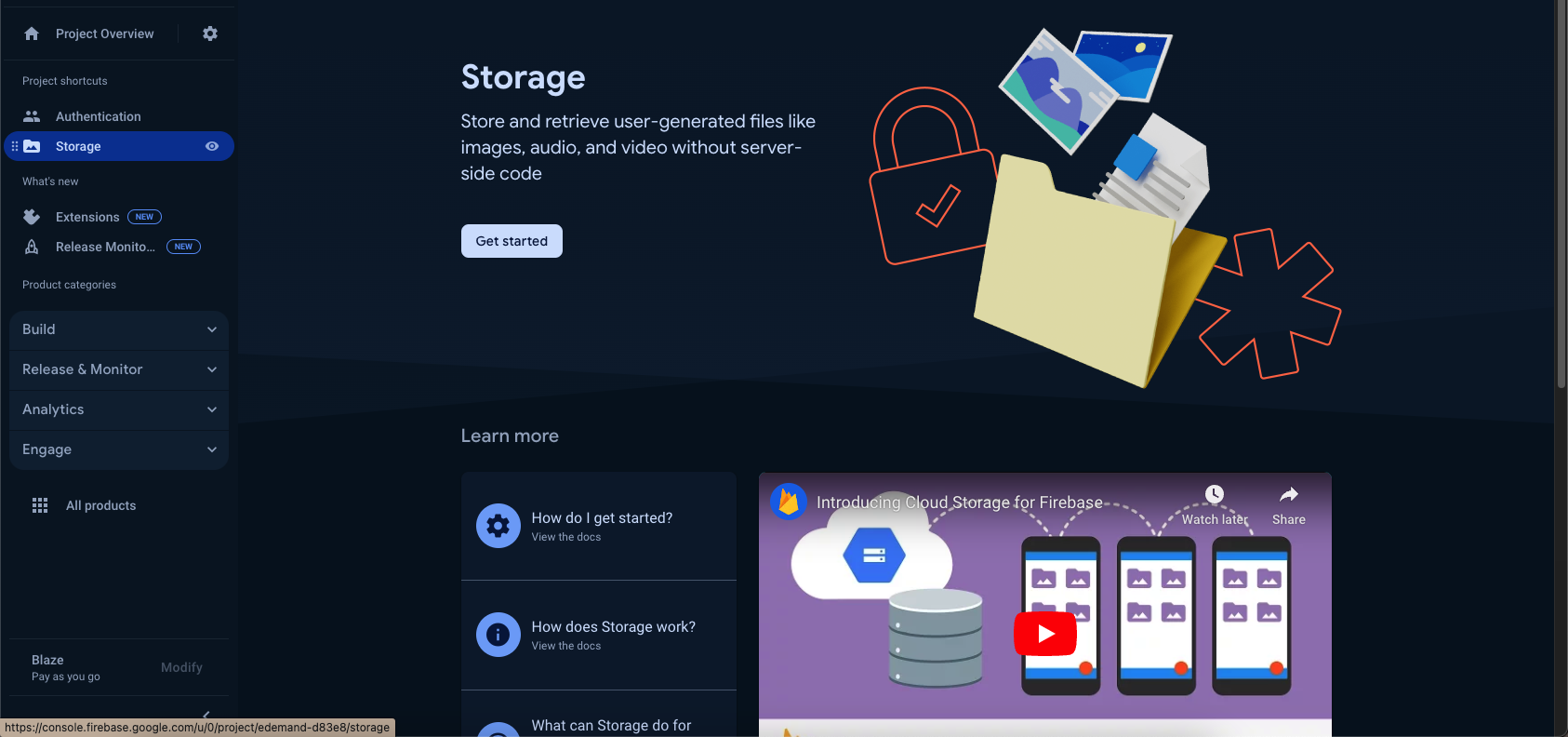
Open your Firebase project → Build → Storage → Get started, and press Next through the setup dialog. A storage bucket is created automatically — this is where user profile images will be stored.

-
Go to the Rules tab and set the rules below:
rules_version = '2';// Craft rules based on data in your Firestore database// allow write: if firestore.get(// /databases/(default)/documents/users/$(request.auth.uid)).data.isAdmin;service firebase.storage {match /b/{bucket}/o {match /{allPaths=**} {allow read, write: if true;}}}
Note:
allow read, write: if true;is open to anyone and is meant to get you started quickly. Before shipping to production, restrict this — for example scope writes torequest.auth != null(signed-in users only) or to the authenticated user's own folder.