How to Change Coin Purchase Values / Add More Coins to Purchase
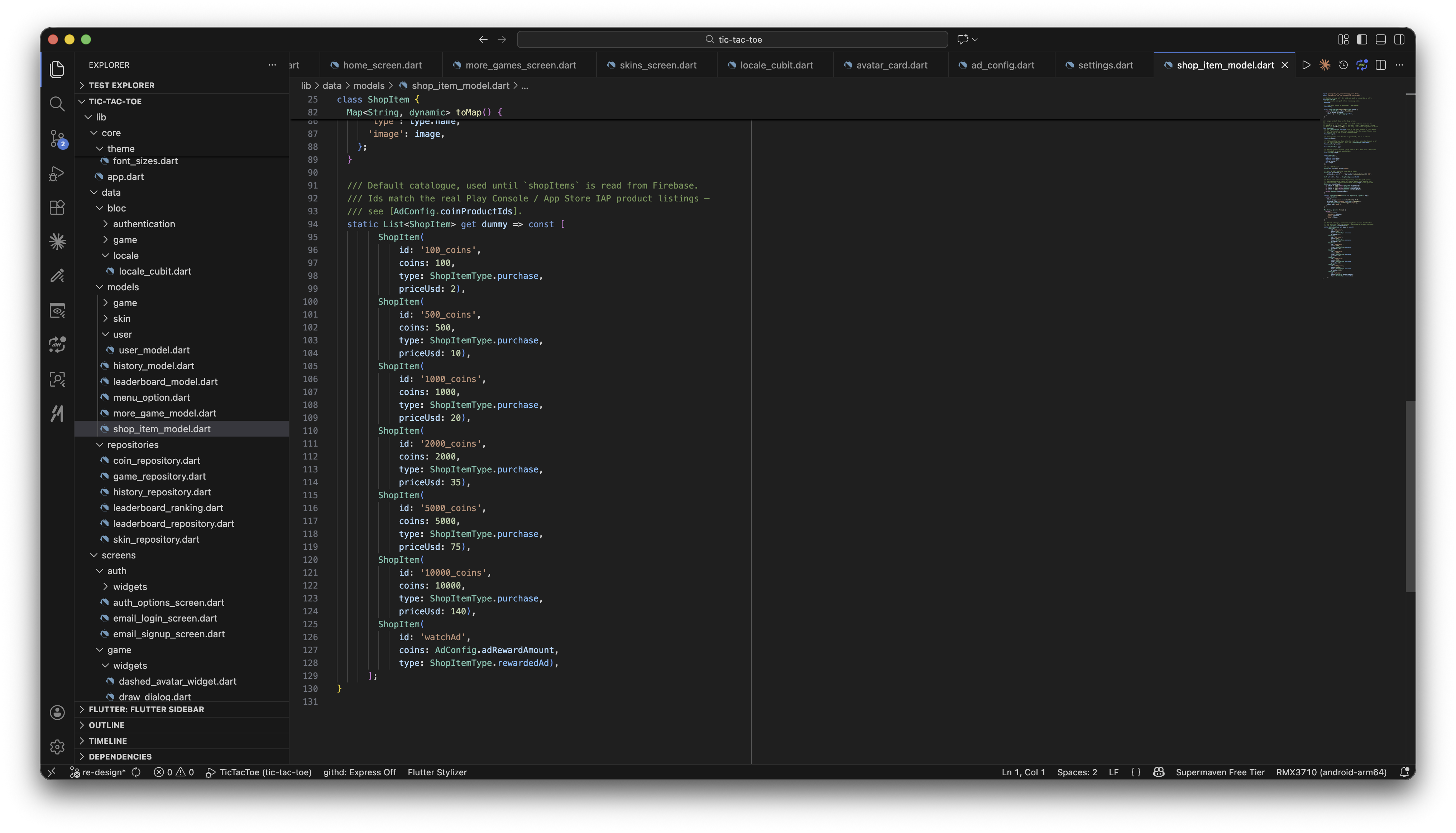
The Shop's coin packs are defined in ShopItem.dummy, in lib/data/models/shop_item_model.dart:
/// Default catalogue, used until `shopItems` is read from Firebase.
/// Ids match the real Play Console / App Store IAP product listings —
/// see [AdConfig.coinProductIds].
static List<ShopItem> get dummy => const [
      ShopItem(id: '100_coins', coins: 100, type: ShopItemType.purchase, priceUsd: 2),
      ShopItem(id: '500_coins', coins: 500, type: ShopItemType.purchase, priceUsd: 10),
      ShopItem(id: '1000_coins', coins: 1000, type: ShopItemType.purchase, priceUsd: 20),
      ShopItem(id: '2000_coins', coins: 2000, type: ShopItemType.purchase, priceUsd: 35),
      ShopItem(id: '5000_coins', coins: 5000, type: ShopItemType.purchase, priceUsd: 75),
      ShopItem(id: '10000_coins', coins: 10000, type: ShopItemType.purchase, priceUsd: 140),
      ShopItem(id: 'watchAd', coins: AdConfig.adRewardAmount, type: ShopItemType.rewardedAd),
    ];
-
Change coin amounts or fallback prices — edit the
coins/priceUsdvalues above.priceUsdis only a fallback shown until the real store price loads — the app prefers the live price from Google Play / App Store for each product ID viaflutter_inapp_purchase. -
Add a new coin pack — add another
ShopItem(...)entry here, then create a matching in-app product with the sameidin both the Play Console and App Store Connect — see Register for In-App Purchase. -
Keep product IDs in sync — every purchasable
idmust also be listed incoinProductIdsinlib/constants/ad_config.dart:static const List<String> coinProductIds = ['100_coins','500_coins','1000_coins','2000_coins','5000_coins','10000_coins',];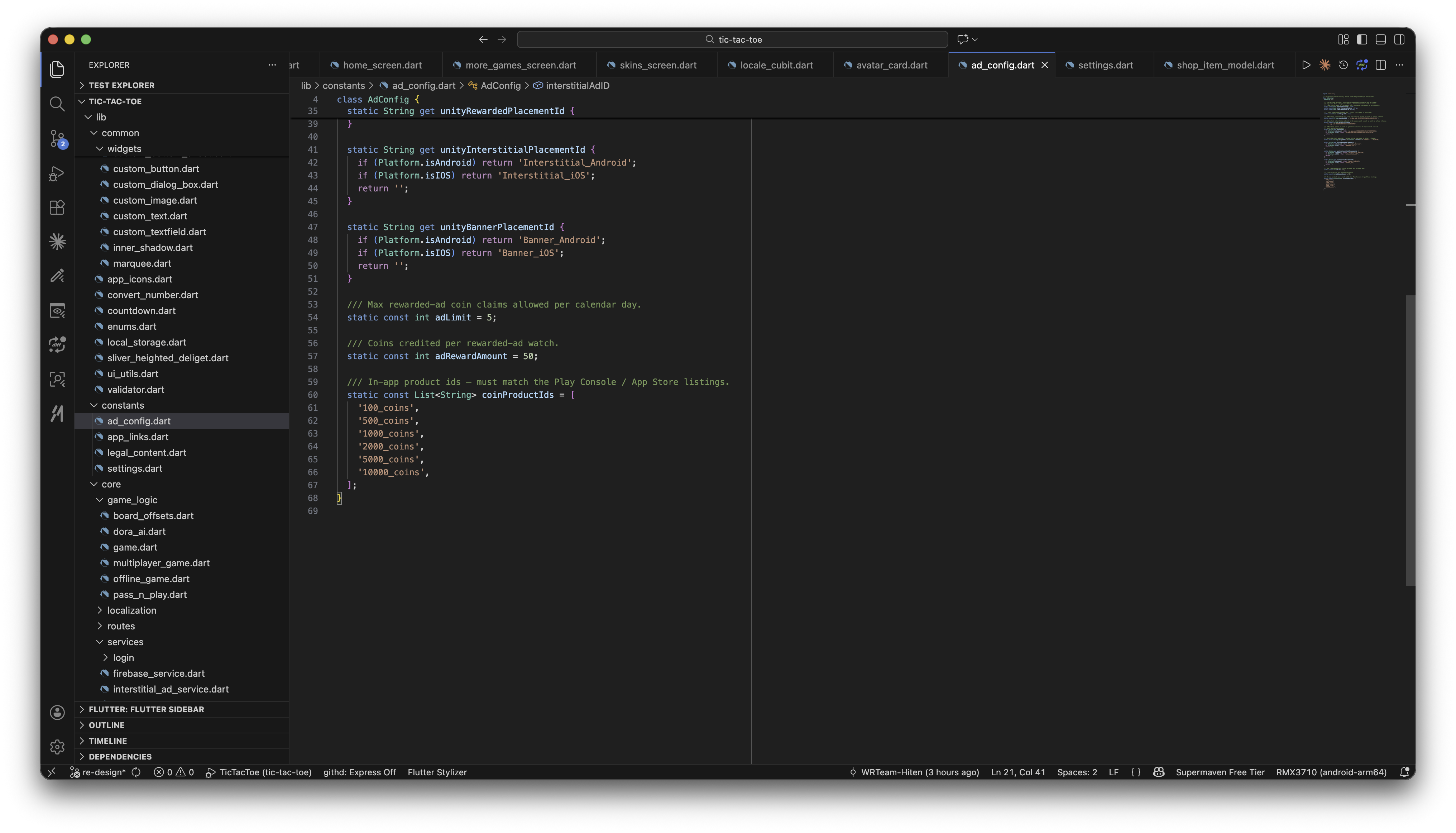
-
Coin artwork — packs use tiered artwork automatically based on
coins(small/medium/large stacks, then bags for the heaviest packs) viaShopItem.coinArtwork, unless you pass an explicitimageto the item.